Login
Open the Admin UI
Navigate to the Admin UI in your browser:
- URL:
http://<your-host-or-ip>/
This brings up the login page.
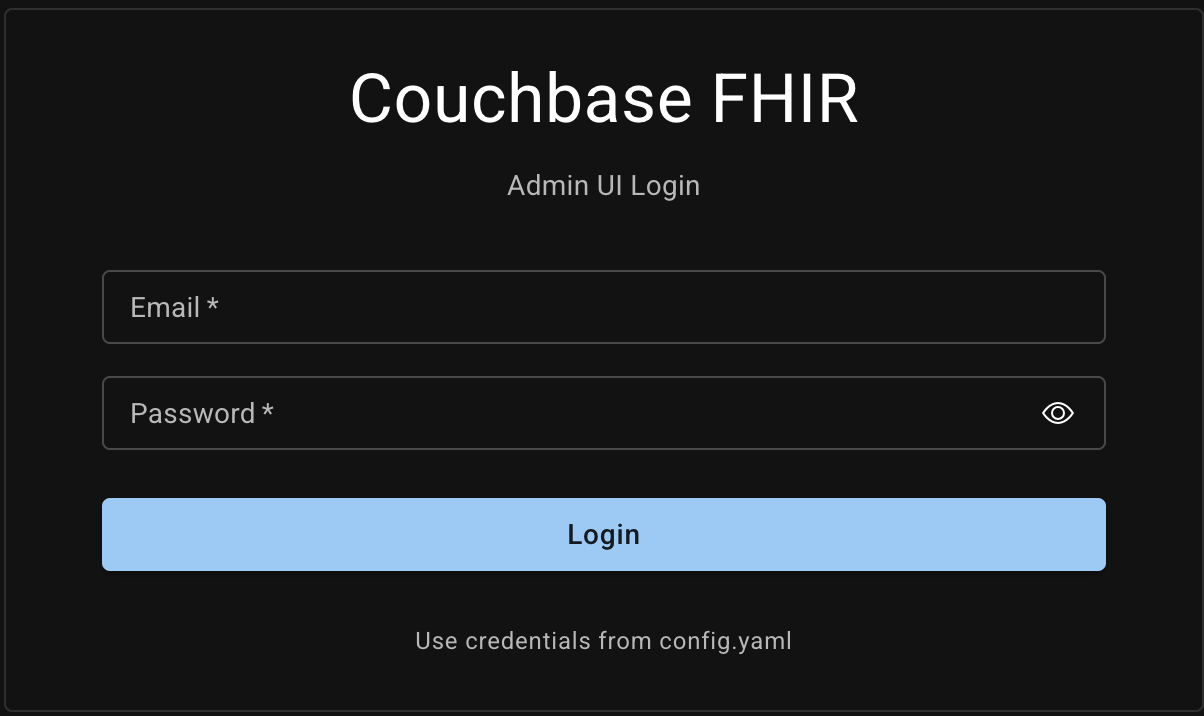
Enter the admin credentials. On first run, these come from config.yaml:
admin:
  email: "admin@cbfhir.com"
  password: "Admin123!"
  name: "Admin"
After the FHIR bucket is initialized, the admin user is persisted in Couchbase. Subsequent logins authenticate against Couchbase (not config.yaml).
Tip: You can change the password from the Dashboard. See docs/Admin UI/Admin - Dashboard.mdx.
Initialize FHIR Bucket
On first run, the FHIR server connects to Couchbase, detects the target bucket, and prompts you to initialize it.
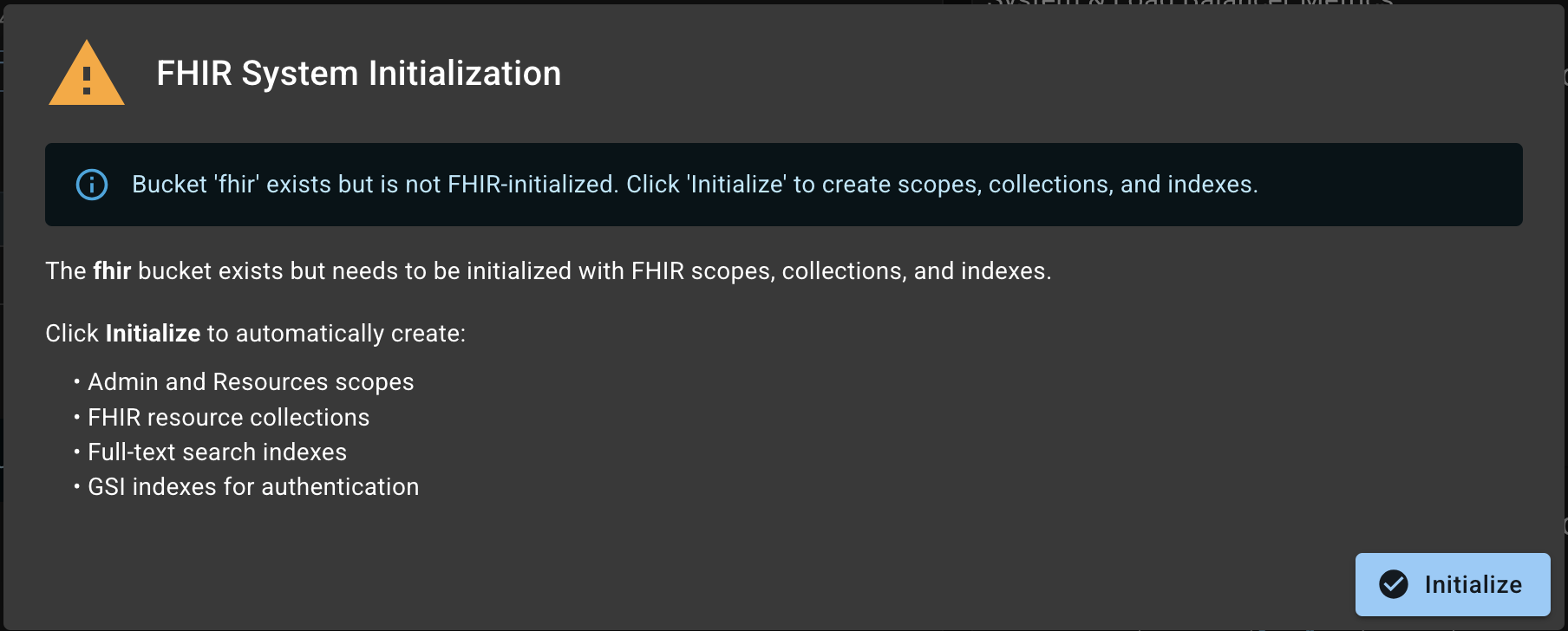
After confirmation, initialization begins:
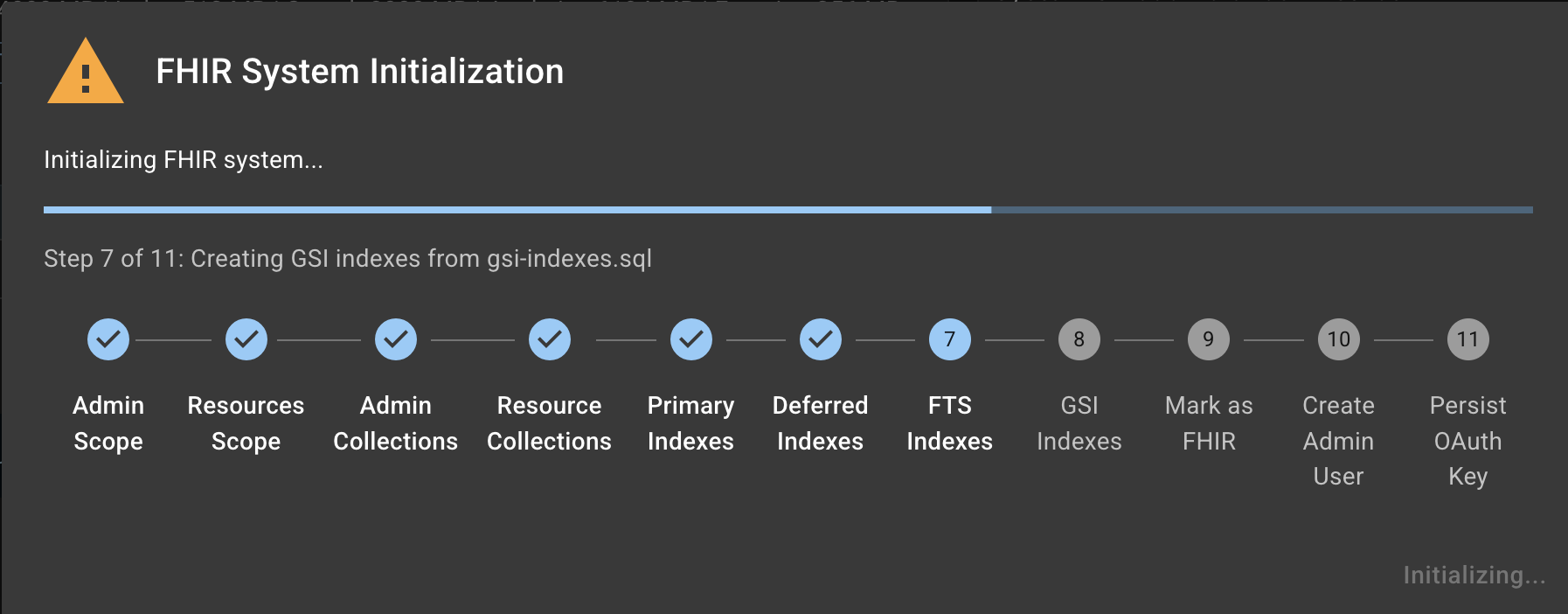
Initialization tasks:
- Create required scopes and collections
- Create Full-Text Search (FTS) indexes
- Create Global Secondary Indexes (GSI)
- Create the application user with appropriate permissions
Dashboard
Once complete, you’ll land on the Dashboard.
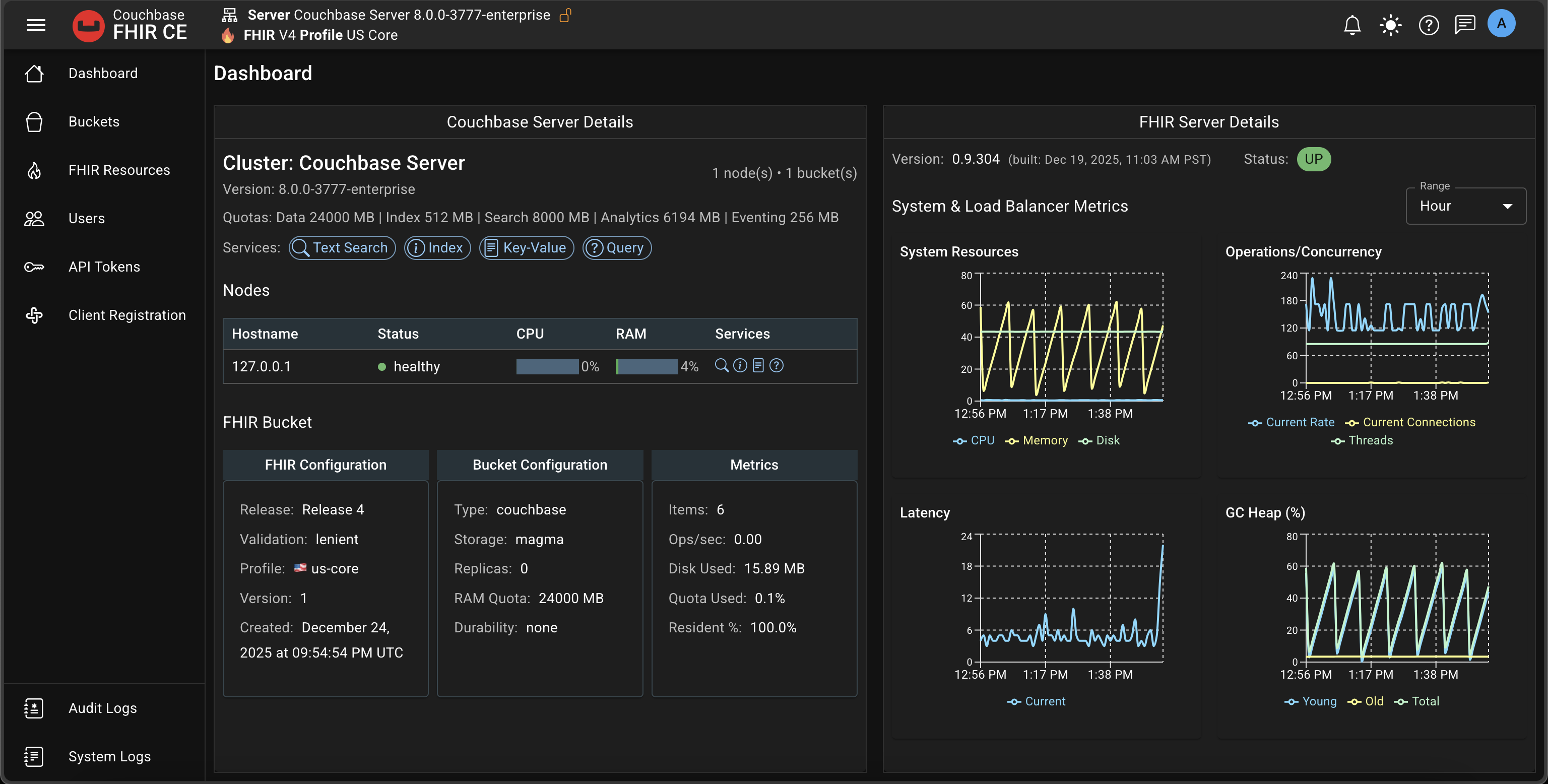
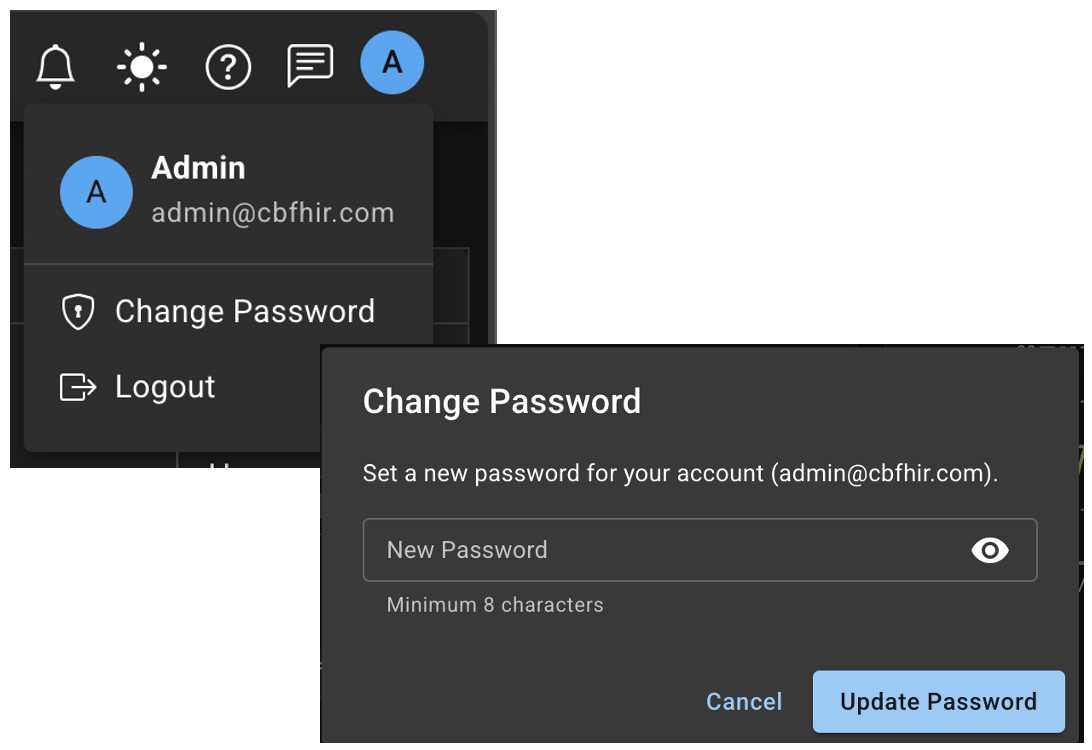
Tip: Change the default admin password.
- Click the avatar in the app bar
- Select “Change password”
Next steps:
- Buckets: docs/Admin UI/Admin - Buckets.mdx
- Resources: docs/Admin UI/Admin - Resources.mdx
- Validation: docs/Install Couchbase FHIR Server/Validation.md